TWO-PERSON AI VIDEO
How to make an AI video of two people from photos
Most photo-to-video tools animate one picture at a time. Hotel Lobby AI takes one photo of each person and places both of them in the same shot: a 10-second performance in an orange booth, side by side at a shared microphone. It works even if the two people have never been photographed together.
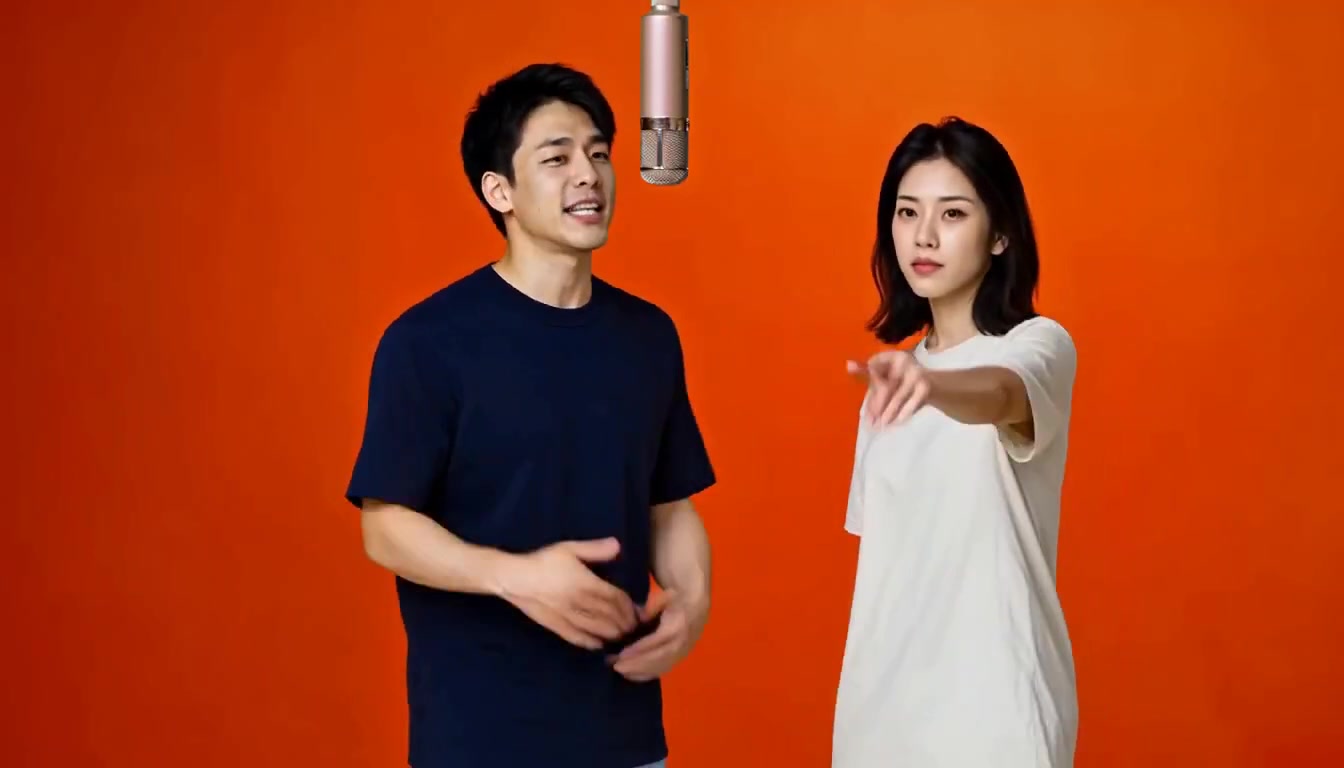
Choosing two photos that work together
- One person per photo. Crop out anyone else so the right face is used.
- Similar framing. Two head-and-shoulders or two waist-up photos give a more balanced result than one close-up and one full-body shot.
- Faces toward the camera. Profiles, sunglasses, masks and hands over the face make likeness harder to keep.
- Even light, no heavy filters. Beauty filters and strong color grading can change how a face is rendered.
- Recent photos. If you want people to recognize your friends, use photos that look like them today.
Photos must be JPG, PNG or WebP, at least 256 px per side and up to 8 MB each. Who ends up on the left or right is decided by the performance, not by the order of the photos.
Consent and privacy
Both people must be adults, and you need permission from each person to use their photo. Do not use someone’s image to impersonate, deceive, harass or embarrass them. Your photos and the finished video are checked automatically for restricted content, the video is private to your account, and we do not publish your photos or video as examples without your permission. Read the acceptable use policy and privacy policy for details.
What it costs
Credits are a one-time purchase with no subscription: 100 credits for $6.90, 300 credits for $16.90 or 500 credits for $24.90. Each video uses 100 credits, so a video costs between $4.98 and $6.90 depending on the pack. Credits never expire, credits for a failed video return automatically, and unused credits can be refunded within 14 days of purchase.
Put your two people on the mic
Add a photo of each person to get started.
Upload two photos ↗